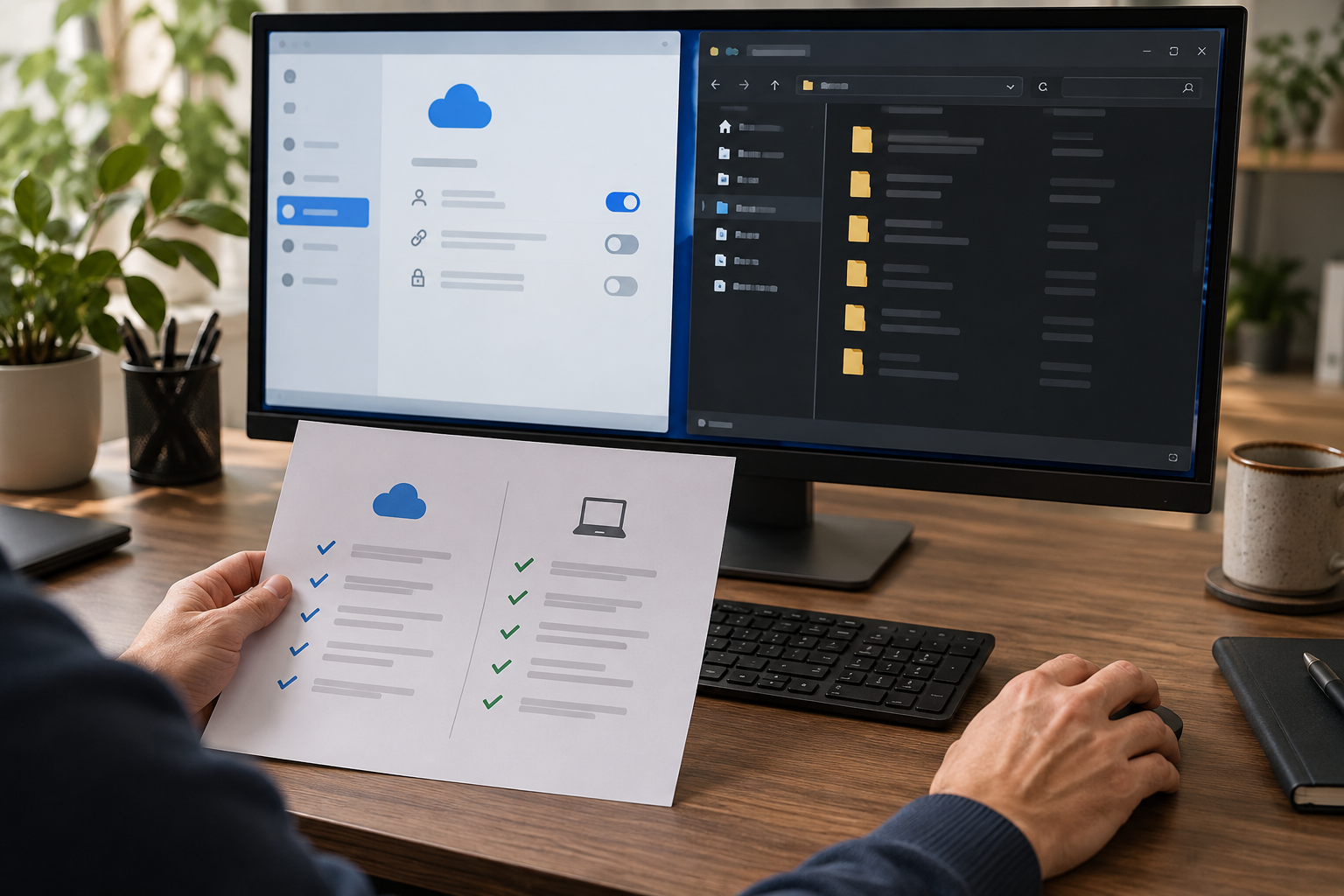
Separate provider sharing from local Windows access
Cloud permissions decide who can reach an item through the service. A downloaded, mirrored or cached copy is also a Windows file on the PC, where local sessions and administrators create a separate exposure boundary.
A family shares one Windows computer. One person signs in to a cloud account and marks a sensitive folder for offline use. Another person later uses the same Windows session and can open the local copy without receiving a cloud share invitation.
Run the control in five steps
- 01List every cloud account and Windows user on the PC.
- 02Identify streamed, mirrored, cached and manually downloaded copies.
- 03Review provider shares separately from NTFS and Windows-session access.
- 04Move sensitive work into a dedicated standard-user session.
- 05Lock the session and retest from every other account.
Preserve an accountable test record
Record provider, cloud account, folder, sync mode, local path, Windows owner, other tested accounts, administrator status, result and corrective action.
Stop and investigate when
- Several people use one unlocked Windows session.
- A removed cloud share still exists as a local download.
- An administrator account is treated as unable to reach user files.
State what the control does not prove
Cloud Secure protects PC-side cloud-sync folder access, not Google/Dropbox/OneDrive provider-side TLS, E2EE or share permissions. Verify provider sharing, locally resident copies, Windows access and recovery separately.
Cloud-folder privacy questions
Does removing a cloud share delete every local copy?
No. Confirm downloads, caches, exports and offline copies on each device.
Does a cloud password protect an already open Windows session?
No. Lock or sign out of Windows and separate user accounts.
Sources for this decision
These sources support the stated boundaries and do not imply endorsement.