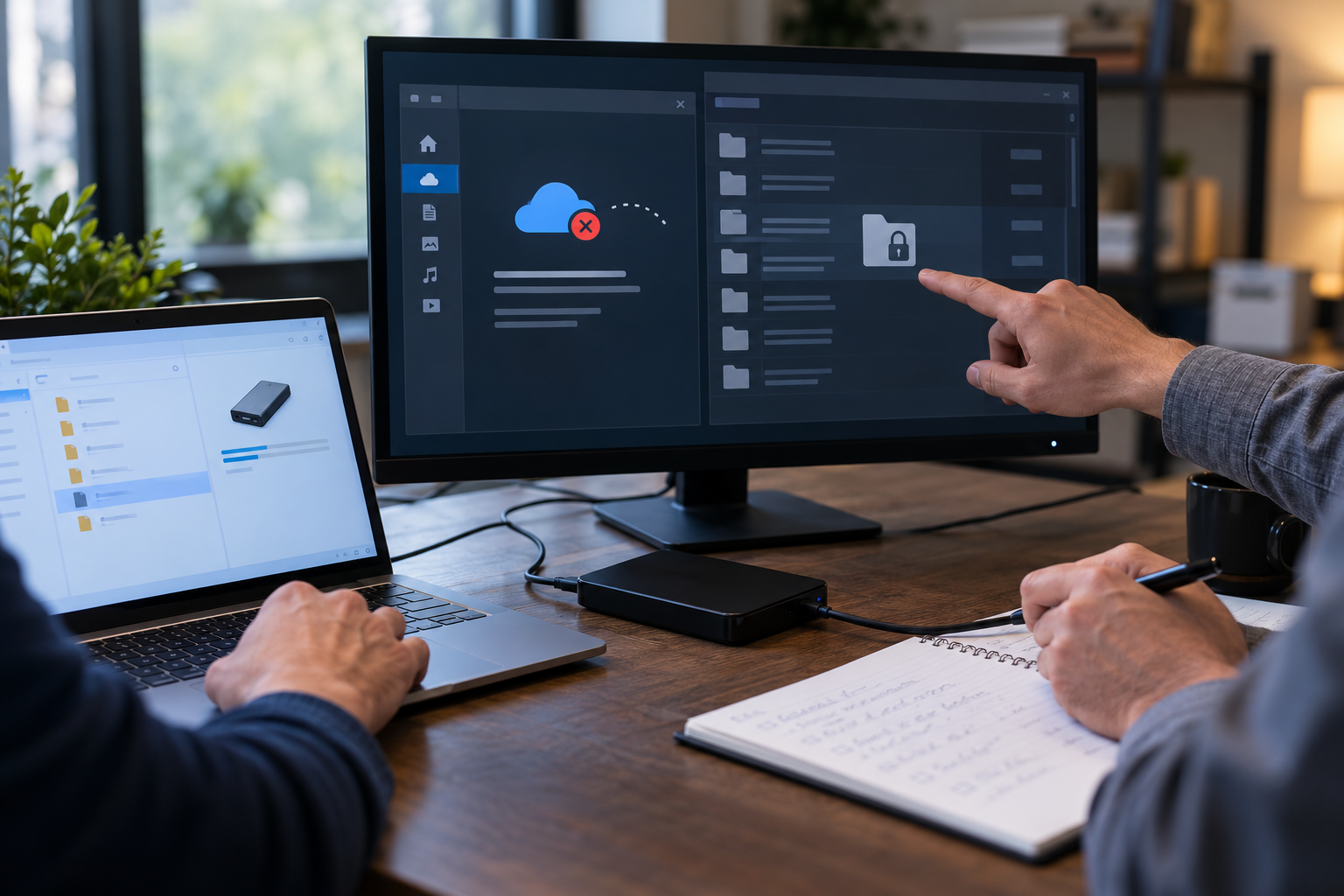
Run a before-and-after sync exposure test
A useful test proves both service behavior and local behavior: online-only versus offline, locked versus unlocked Windows sessions, other user accounts, reconnect sync and residual copies.
The owner uses harmless sample files in Google Drive, OneDrive and Dropbox. They test online-only and offline states, disconnect the network, switch Windows users, reconnect, and document which copies remain locally readable.
Run the control in five steps
- 01Create non-sensitive uniquely named sample files.
- 02Record provider mode and local status before opening.
- 03Test offline availability and another Windows account.
- 04Reconnect and wait for a confirmed clean sync state.
- 05Remove samples and verify cloud, local and recycle locations.
Preserve an accountable test record
Keep sample names, provider, mode, Windows accounts, network state, access result, sync completion, residual paths and cleanup evidence.
Stop and investigate when
- Real confidential files are used as test material.
- Only the cloud web interface is checked.
- The test ends before reconnect and cleanup validation.
State what the control does not prove
Cloud Secure protects PC-side cloud-sync folder access, not Google/Dropbox/OneDrive provider-side TLS, E2EE or share permissions. Verify provider sharing, locally resident copies, Windows access and recovery separately.
Cloud-folder privacy questions
Why use sample files?
They reveal behavior without increasing exposure of real information.
Is one provider test enough?
No. Each client and sync mode can create different local states.
Sources for this decision
- Google Drive Help: stream and mirror files
- Microsoft Support: OneDrive Files On-Demand
- Dropbox Help: make files available offline
These sources support the stated boundaries and do not imply endorsement.