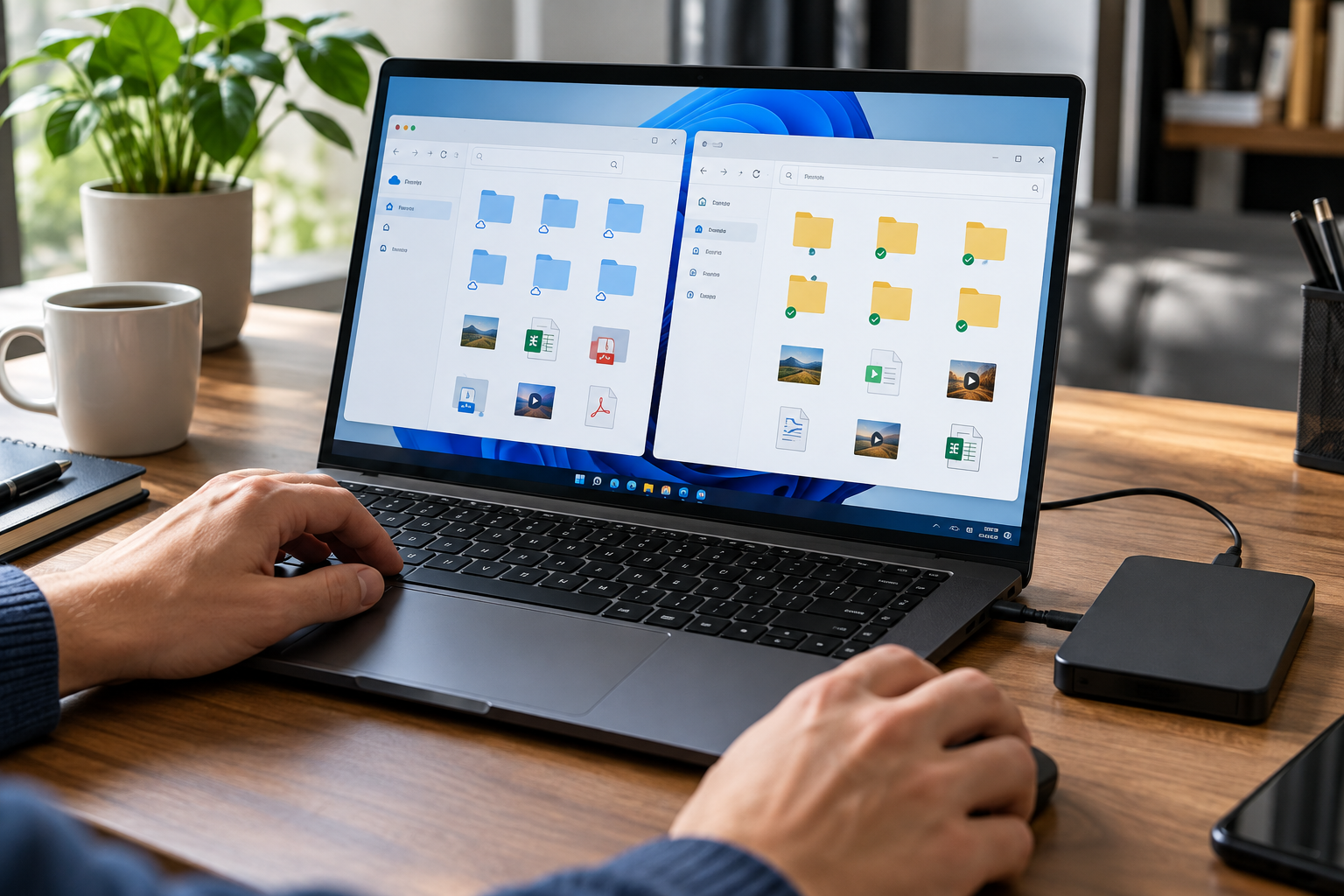
Know when Google Drive keeps local data
Google documents two desktop modes: streamed files are mainly cloud-based but may be cached or marked offline, while mirrored My Drive files are stored both in the cloud and on the computer. Either mode requires a local-access review.
A shared PC owner changes My Drive from mirroring to streaming to save space. Before removing the old mirrored folder, they confirm sync completion, preserve needed records and test whether prior local files remain visible to other Windows accounts.
Run the control in five steps
- 01Open Drive for desktop and record the signed-in account.
- 02Confirm whether My Drive is streamed or mirrored.
- 03List files explicitly available offline and recent cached files.
- 04Finish sync before moving or deleting an old mirrored folder.
- 05Retest from another Windows account after signing out.
Preserve an accountable test record
Keep Drive account, mode, local location, offline selections, last sync state, test account, remaining local paths and cleanup approval.
Stop and investigate when
- A mirrored folder remains after the mode change.
- A streamed file is assumed never to touch disk.
- Shared Drives are described as mirrorable when the official guidance says they stream.
State what the control does not prove
Cloud Secure protects PC-side cloud-sync folder access, not Google/Dropbox/OneDrive provider-side TLS, E2EE or share permissions. Verify provider sharing, locally resident copies, Windows access and recovery separately.
Cloud-folder privacy questions
Are streamed files always absent from the PC?
No. Accessed files can be cached and files can be made available offline.
Can I delete the old mirrored folder immediately?
First confirm the cloud sync is complete and follow Google’s switch guidance.
Sources for this decision
These sources support the stated boundaries and do not imply endorsement.