Use Cloud Secure only for its local protection role
Cloud Secure may add PC-side protection around supported cloud-sync folders on Windows. It does not provide provider-side TLS or end-to-end encryption, change share permissions, separate Windows identities or guarantee recovery.
A small office pilots Cloud Secure with harmless sample folders from each supported provider. It records the current app version, protects a test location, checks sync from another device, tests lock and unlock after restart, and documents what remains visible through the provider.
Run the control in five steps
- 01Verify the current release, license and supported providers.
- 02Use harmless files to test one sync client at a time.
- 03Check local lock behavior before and after Windows restart.
- 04Confirm remote sync and provider shares separately.
- 05Test recovery and document approved uses and exclusions.
Preserve an accountable test record
Keep app version, installer source, license, provider, local path, Windows account, sample manifest, sync result, restart test, recovery test, exclusions and review date.
Stop and investigate when
- Local protection is marketed as provider-side encryption.
- A product screen is treated as independent proof.
- Recovery is promised without a successful representative test.
State what the control does not prove
Not provider-side encryption, cloud account recovery or permission bypass. Verify provider sharing, locally resident copies, Windows access and recovery separately.
Read each supplied interface image with its limit
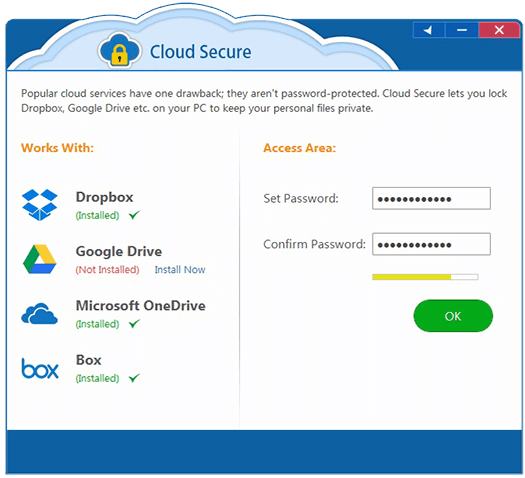
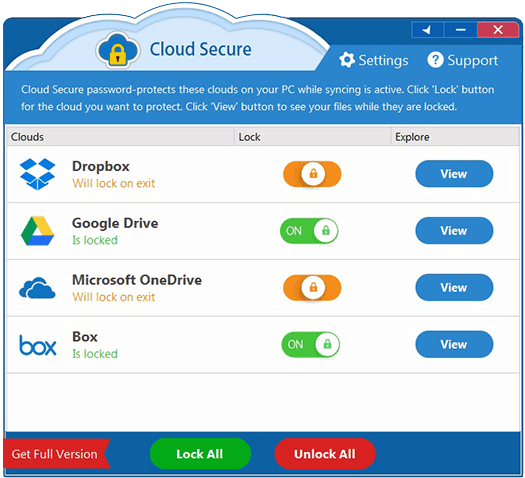
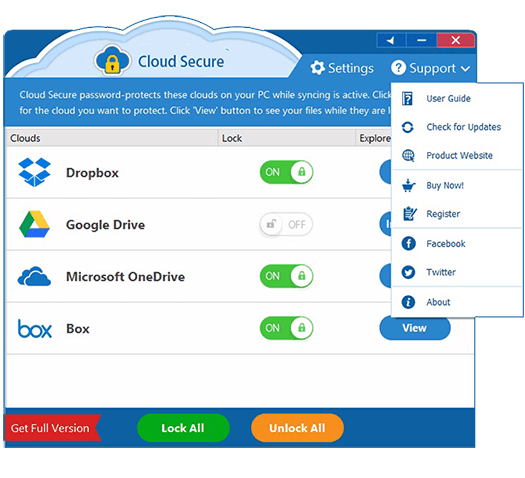
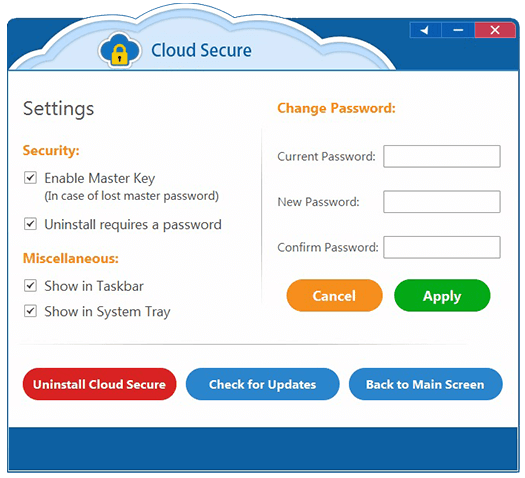
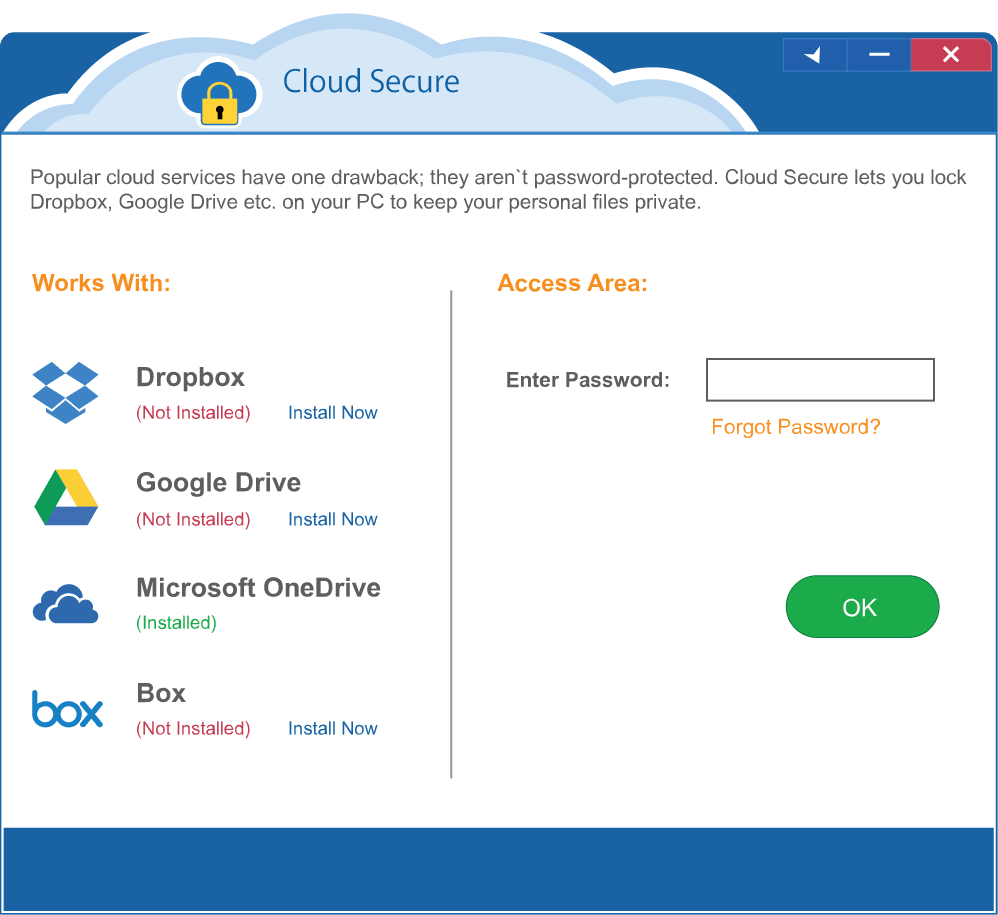
Confirm current compatibility, local protection, provider sharing, sync behavior, Windows account separation and recovery.
Cloud-folder privacy questions
Does Cloud Secure change Google, Microsoft or Dropbox sharing?
No. Provider identities and sharing permissions remain separate controls.
Do supplied screenshots prove current behavior?
No. They identify the product; test the current release in the actual Windows and sync environment.
Sources for this decision
- NewSoftwares: Cloud Secure features
- NewSoftwares: Cloud Secure
- NIST SP 800-34 Rev. 1: Contingency Planning
These sources support the stated boundaries and do not imply endorsement.